The 11 Best Email Newsletter Platforms for 2026 - Expert Reviews
 Luciano Viterale
 I'm an affiliate for three of the platforms on this list: MailerLite, Beehiiv, and Kit. I earn nothing from the other eight. My top three all pay me, so a little suspicion is fair, which is exactly why the order here is set by my own experience, not by commissions. Brands don't see this before it goes live, and no commission rate moves a score. Read my full affiliate and editorial disclosure.
On this page
Most "best newsletter platform" lists are written by people who've never actually run a newsletter. They rank whatever pays best, repeat the features every vendor lists on its own homepage, and never tell you what it's genuinely like to hit send from these tools every week. I've run a real newsletter business, and I use these platforms for clients, so this list is ranked by what matters when you're the one sending, not by who pays the most.
Here's how much that matters to me. MailerLite is my favorite email platform, and it pays me, and I still didn't use it to run my own newsletter business. Mailchimp pays me nothing, and it's dead last, because I've built campaigns in it for clients and didn't enjoy a single one of them. My own experience set this order, not the commissions.
I didn't use my favorite platform for my own newsletter
MailerLite is my favorite email platform. I've used it since 2020, I'm certified in it, and it's running on this website right now. When I built Ticker Nerd into a real newsletter business, I didn't use it. That reversal is the whole point of this list, so let me explain it.
A newsletter business needs two things that general email marketing tools tend to skip: real subscriber analytics, and a built-in referral engine to grow. MailerLite is excellent at a lot of things. Those two aren't among them. So I ran Ticker Nerd on Kit (then called ConvertKit) instead.
Kit was the right call at the time. Beehiiv wasn't polished yet. If I were starting Ticker Nerd today, I'd probably choose Beehiiv, which is exactly why it tops this list even though Kit is what I actually used. The category moved, and this ranking moves with it.
Below are 11 platforms sorted into three lanes: newsletter-first tools built to grow an audience, general email platforms you bolt a newsletter onto, and e-commerce engines that do a different job entirely. I'll tell you which is which, and where each one earns its money in 2026.
What I actually look for in a newsletter platform
Here's the rubric, and it starts with the thing that separates a newsletter tool from an email tool.
A built-in growth mechanism (the big one). For a newsletter business, does it have a referral engine that turns your existing readers into new subscribers? This is the single biggest differentiator, and it's the reason I switched. Beehiiv, Kit, and Substack have it baked in. Most of the others don't.
Is it easy to build the emails you want to send? You'll do this every week. A clunky editor is a tax you pay forever.
Does it have a mobile app? Being able to check numbers and approve a send from your phone matters more than people admit.
Can you get clear data without a data-science degree? Where subscribers came from, what they opened, who's engaged. Easy analytics you'll actually look at beat powerful dashboards you never open.
Is it easy to segment? Sending the right thing to the right people is most of email marketing.
Is it genuinely easy to use? Everything above rolls up into this. The best platform is the one you'll actually run well.
The three lanes
Before the list, the framing that makes the whole thing click:
- Newsletter-first (Beehiiv, Kit, Substack): built to grow and monetize an audience. Referral engines, subscriber analytics, creator tools. The growth lane.
- Business adding a newsletter (MailerLite, ActiveCampaign, AWeber, Mailchimp): you already run a business and you're bolting a newsletter onto broader email marketing and automation.
- E-commerce (Klaviyo, Omnisend): a different job entirely. Built for stores, priced for stores, overkill for a pure newsletter.
The 11 best email newsletter platforms
Ranked by how well they do the newsletter job in 2026, based on what I've actually seen running them. All prices verified July 2026, and they scale with your list size, so check your own subscriber tier.
1. Beehiiv
Luc's Score: 9.0/10
Lane: newsletter-first. When I first tried Beehiiv it wasn't polished, and I passed on it for Ticker Nerd. That was then. In 2026 it's the platform I'd start a newsletter business on tomorrow, and it's the clearest #1 on this list.
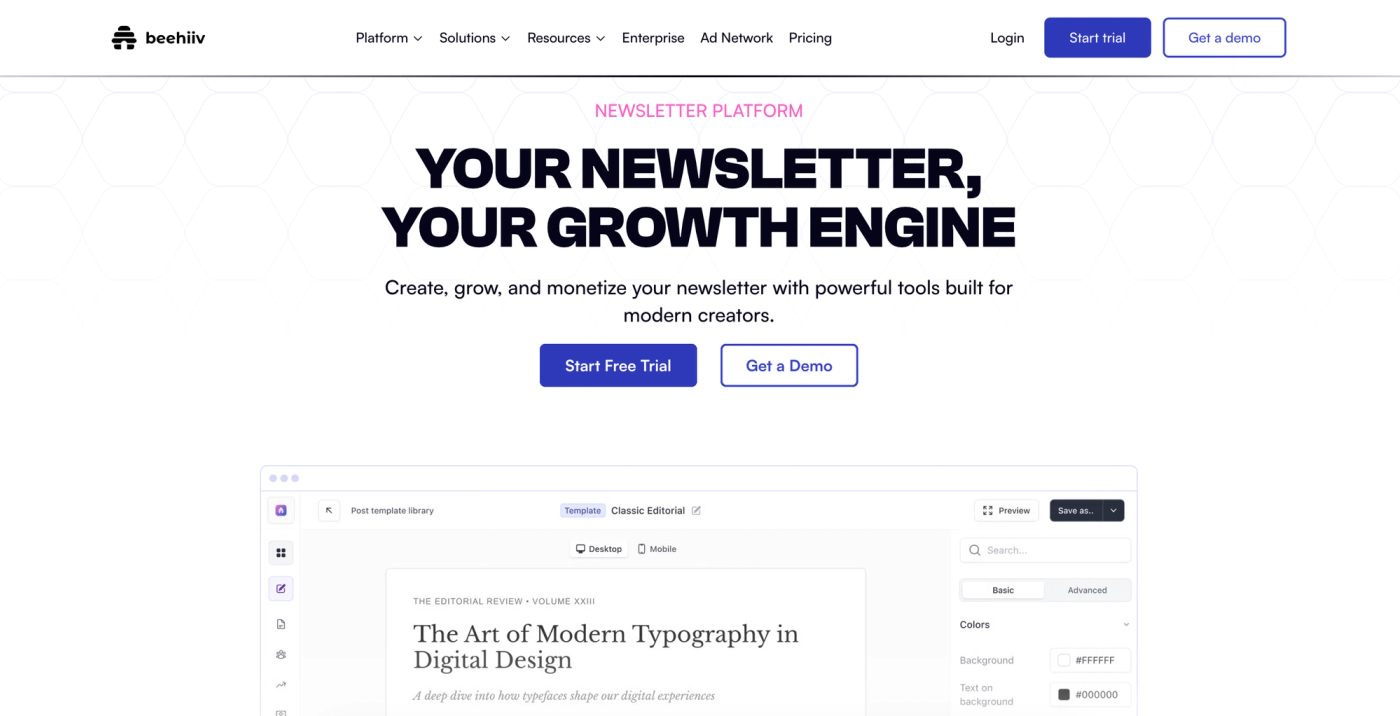
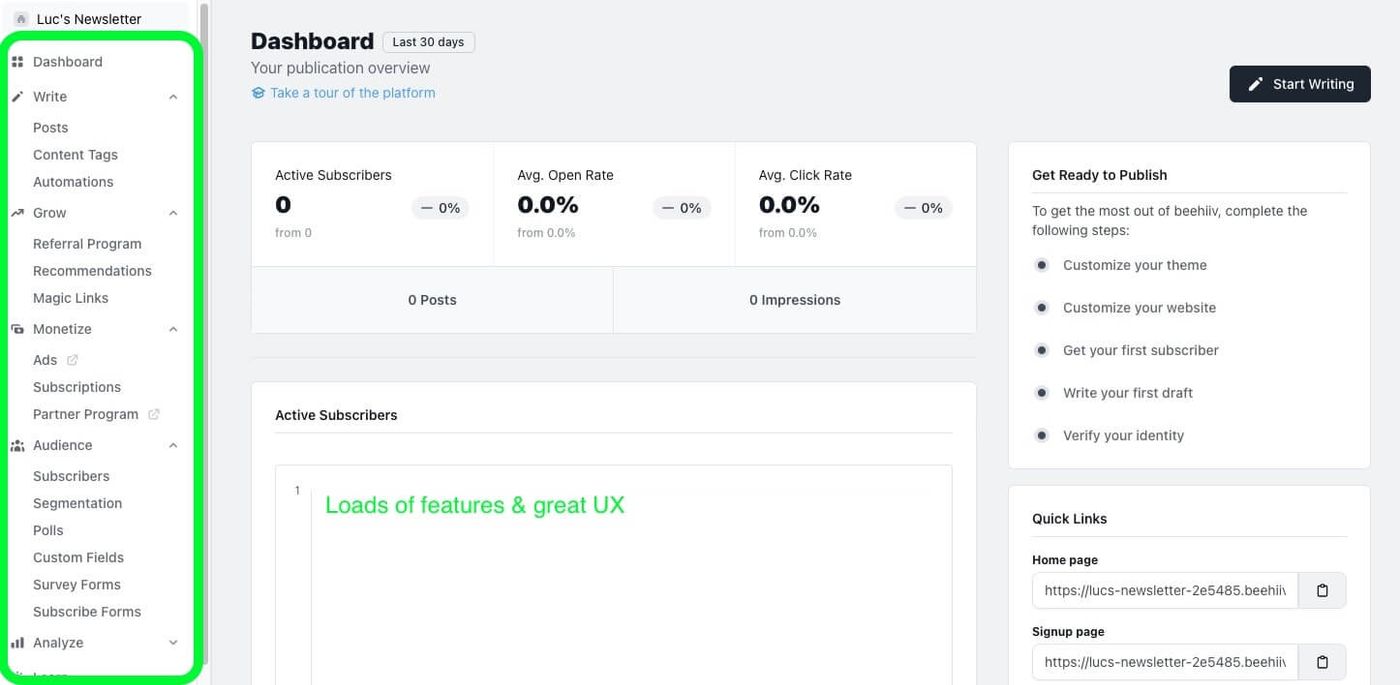
Beehiiv was built by ex-Morning Brew people specifically to grow newsletters, and it shows. The referral program, the recommendation network, subscriber analytics that actually tell you where growth is coming from, an ad network to monetize, plus website and podcast tools. It's the most complete growth toolkit here.
- Built-in referral program and recommendation network (real subscriber growth, not just sending)
- Genuinely good subscriber analytics
- Ad network and paid-subscription tools for monetization
- Website, blog, and podcast tools included
Where it costs you: the price climbs as your list grows, and if all you want is a simple weekly email to a small list, it's more platform than you need.
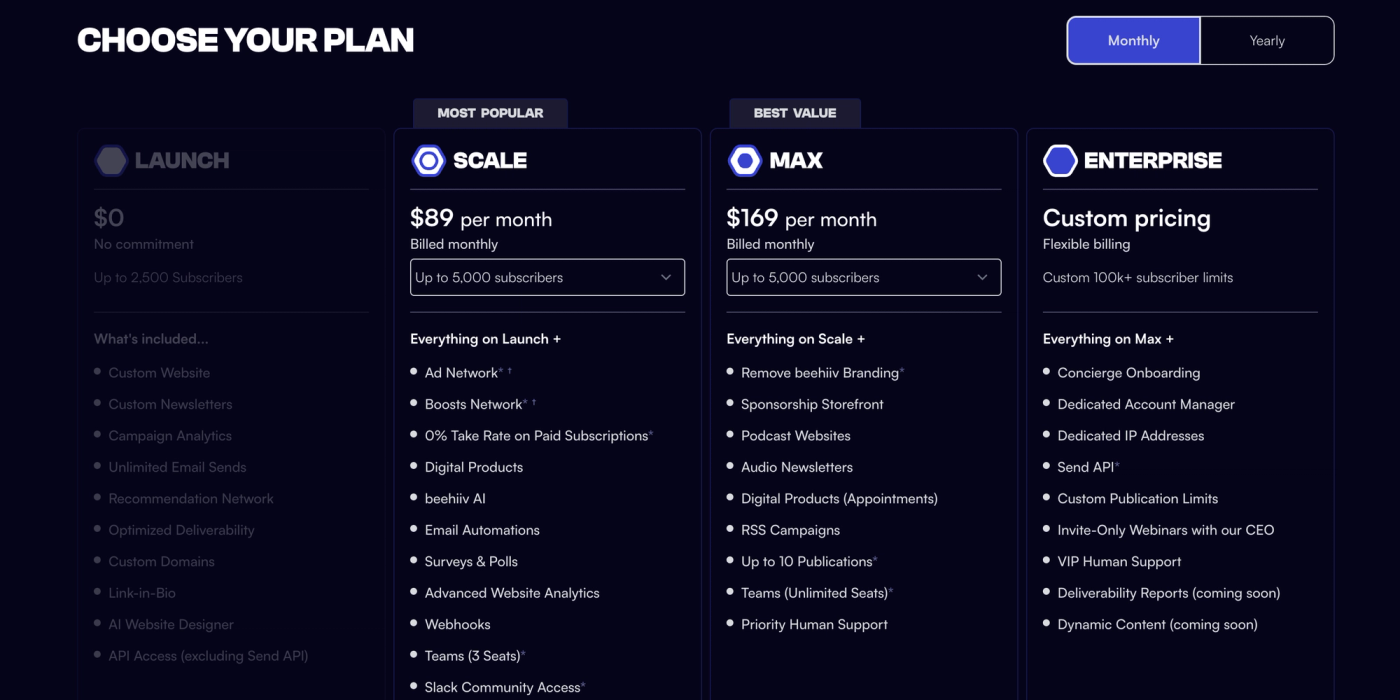
Pricing: Launch is free up to 2,500 subscribers. Scale from $49/mo, Max from $109/mo, both scaling with subscriber count.
Best for: anyone serious about growing a newsletter as a business. Full Beehiiv review, and a Beehiiv vs MailerLite head-to-head.
2. Kit (formerly ConvertKit)
Luc's Score: 8.8/10
Lane: newsletter-first. This is what I actually ran Ticker Nerd on, and it's still an excellent choice. It sits a hair behind Beehiiv only because Beehiiv has out-innovated it on growth tooling since.
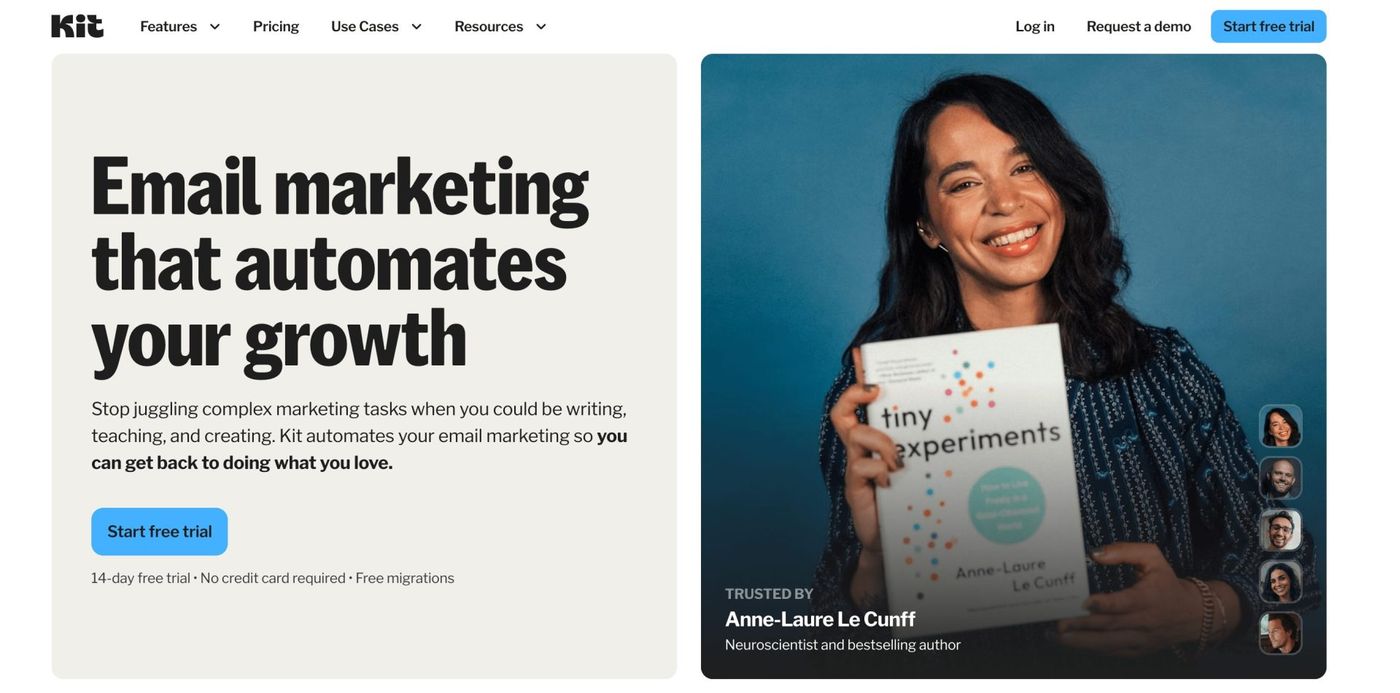
Kit is built for creators. The analytics are strong, it has referral and recommendation features baked in, the automations are flexible, and you can sell digital products and paid subscriptions without bolting on another tool. If you think of your newsletter as the center of a creator business, Kit fits the way you work.
- Referral and creator-network features for growth
- Strong subscriber analytics and tagging
- Flexible visual automations
- Sell digital products and paid subscriptions natively
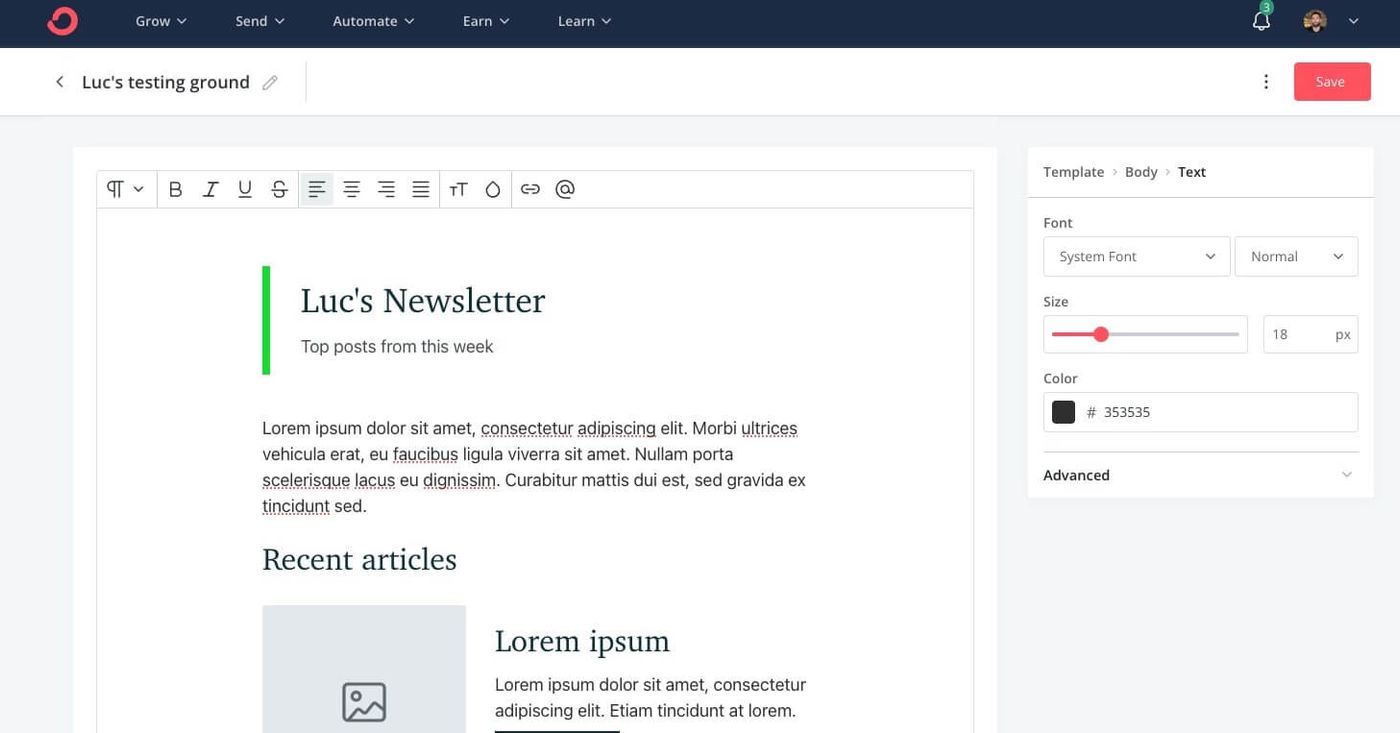
Where it costs you: Kit raised prices roughly 35% in late 2025, so it isn't the bargain it once was. The email builder is functional rather than beautiful.
Pricing: free up to 10,000 subscribers (limited features). Creator from $39/mo, rising to around $89/mo at 5,000 subscribers.
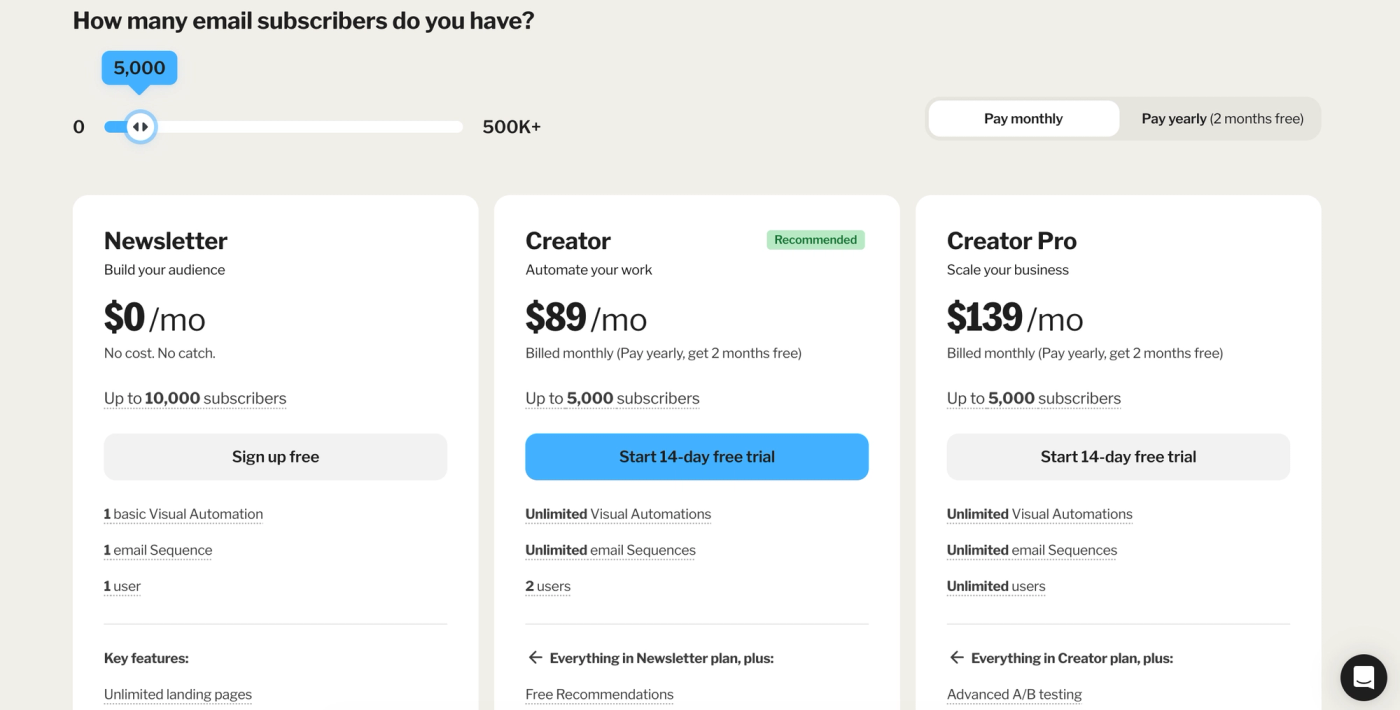
Best for: creators who want their newsletter at the center of a product business.
3. MailerLite
Luc's Score: 8.5/10
Lane: business adding a newsletter. My favorite email platform, and the one I didn't use for my own newsletter. That isn't a contradiction, it's the point. MailerLite is the best all-round email marketing tool on this list. It just isn't the best pure newsletter tool.
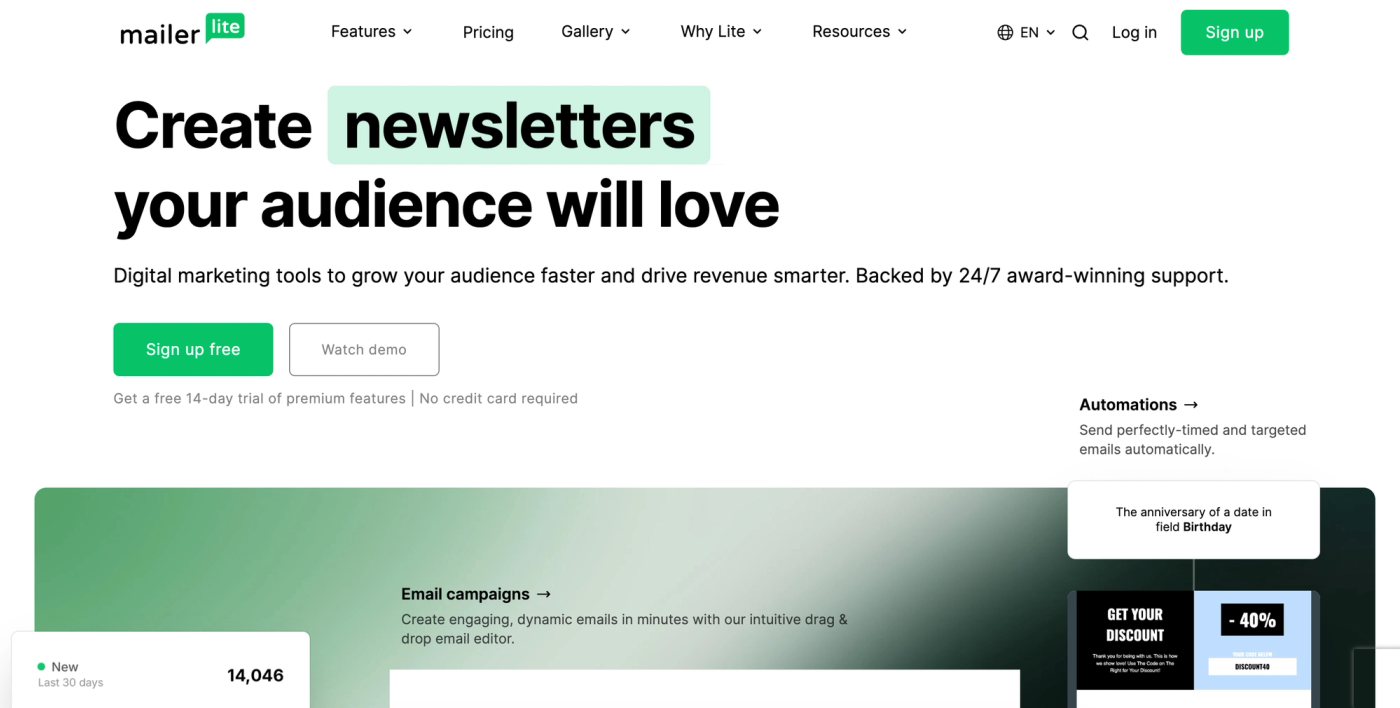
I've used it since 2020, I'm certified in it, and it runs this site. It's the best value here, the editor is a joy, the automations are clean, and it quietly handles things the newsletter-first tools don't, like transactional and API email for confirmations and receipts. What it lacks for a newsletter business is a built-in referral engine and the deeper subscriber analytics that Beehiiv and Kit give you.
- Best value and the cleanest editor in its class
- Solid automation, landing pages, and forms
- Handles transactional and API email, not just campaigns
- Genuinely easy for a non-specialist to run
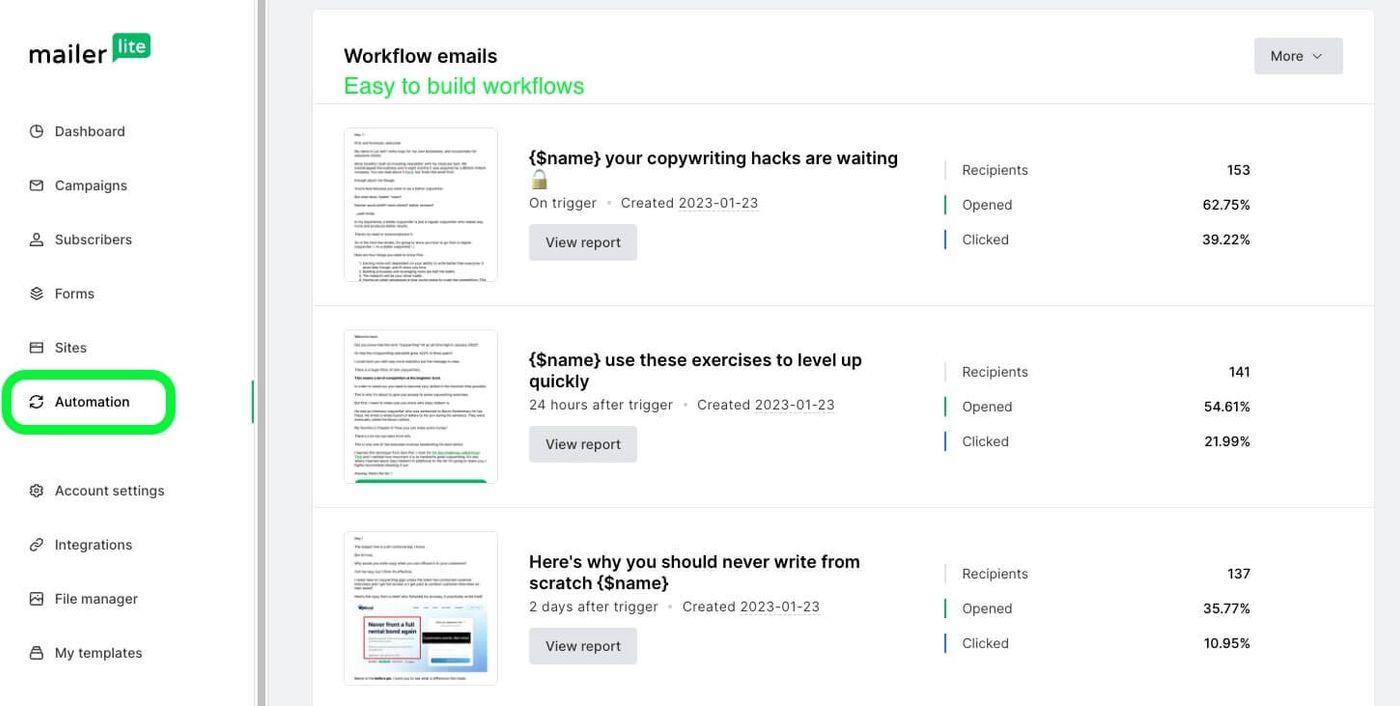
Where it costs you: no built-in referral engine, and the newsletter-specific analytics are lighter than the growth-lane tools. In 2026 the paid plans were renamed (Comfort and Power) and prices rose across the tiers.
Pricing: free up to 500 subscribers. Paid from around $9/mo, roughly $29/mo at 5,000 subscribers.
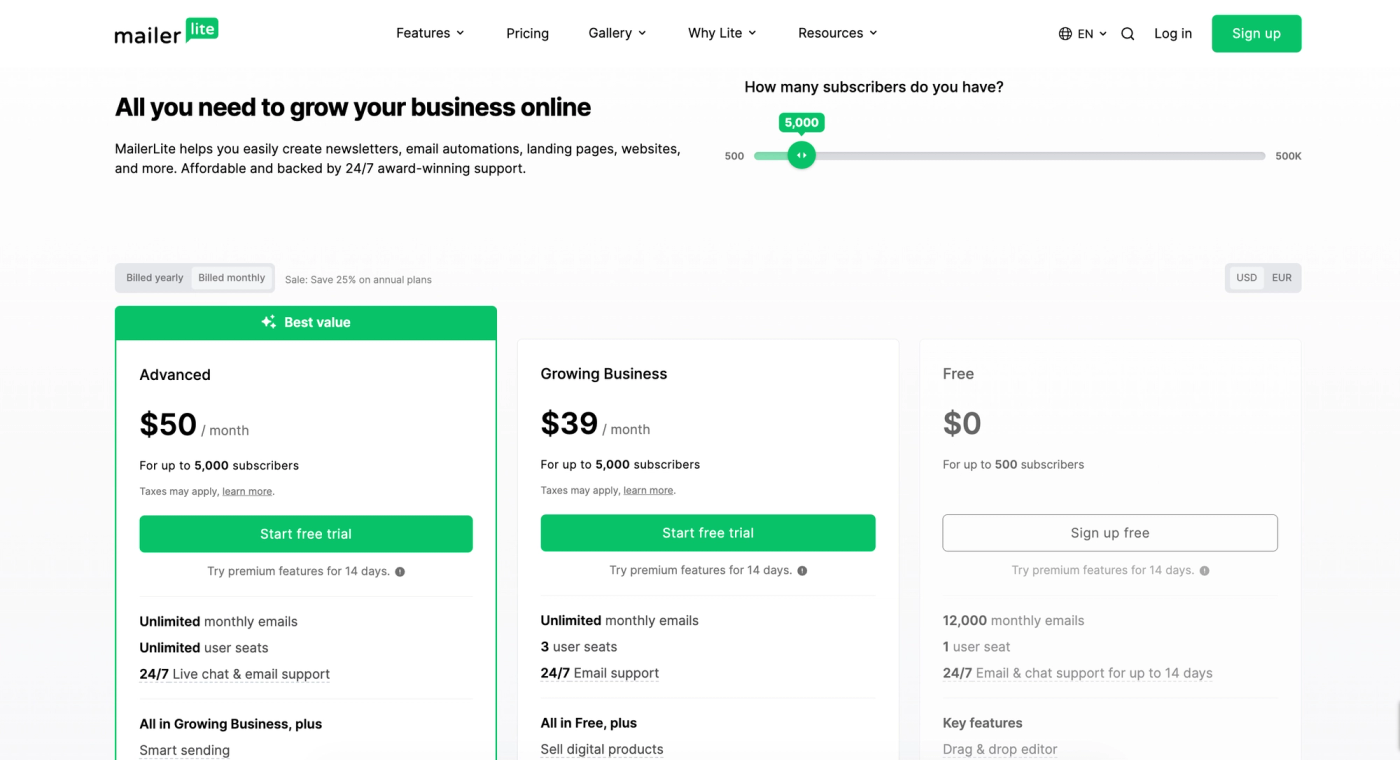
Best for: a business adding a newsletter to real email marketing. Full MailerLite review.
4. Substack
Luc's Score: 8.0/10
Lane: newsletter-first. I subscribe to more than ten Substacks, and as both a reader and a writer the experience is genuinely great. It jumps up this list from where a stale version of this article had it, because for a pure creator starting today, the built-in network is hard to beat.
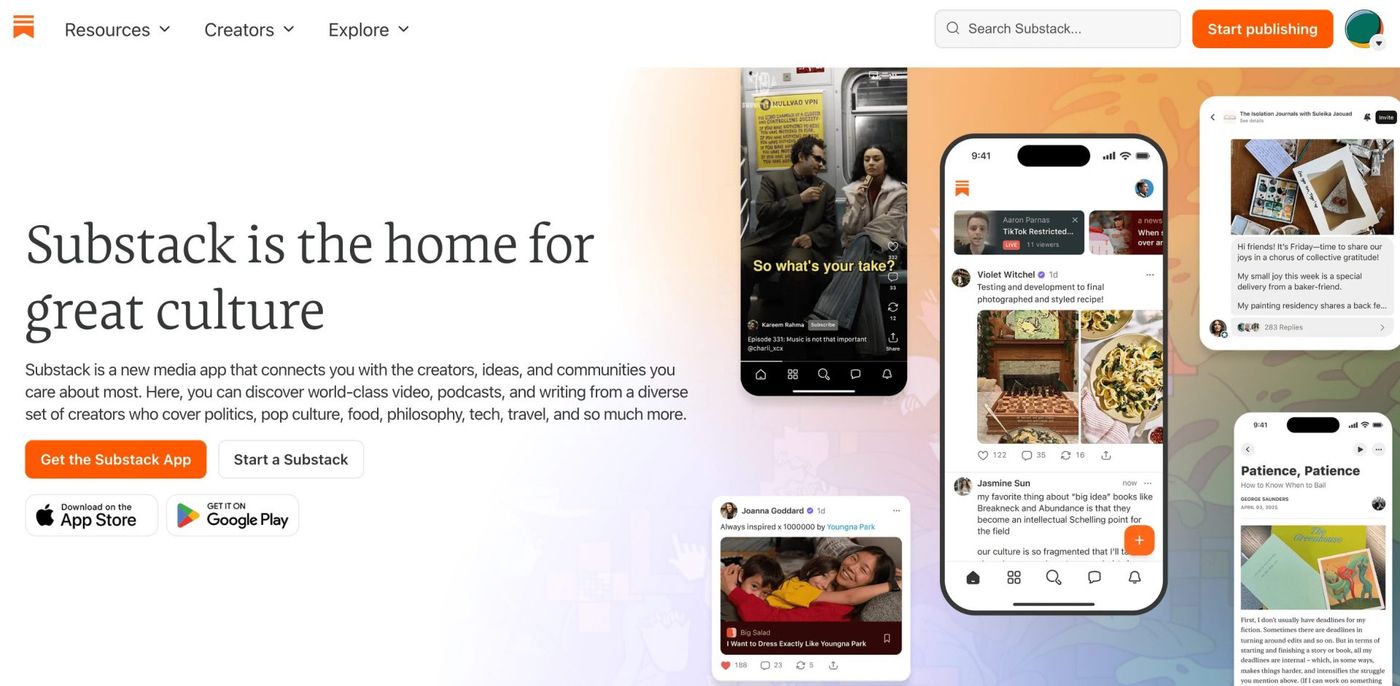
Substack's whole pitch is that there's nothing to set up and a discovery network that grows you: recommendations, the app, and readers who already live on the platform. That referral-style growth is real, and it's why it's in the newsletter-first lane.
- Zero setup, free to start
- Built-in discovery, recommendations, and reader network
- Dead simple to write and publish
- Native paid subscriptions
Where it costs you: Substack takes 10% of your subscription revenue, and with payment processing the real cut lands closer to 13 to 16%. You also don't own the platform, design and segmentation are limited, and migrating off later is painful.
Pricing: free to use. You pay only when you charge readers: 10% of revenue plus Stripe fees.
Best for: individual creators who want to start writing today and grow through the network, and who don't mind giving up control and a cut of revenue.
5. ActiveCampaign
Luc's Score: 7.5/10
Lane: business adding a newsletter. Not too bad at all. ActiveCampaign is really an automation and CRM platform that happens to send newsletters, and if your business runs on complex automations and a sales pipeline, it's excellent.
For a pure newsletter it's more than you need, and there's no newsletter-style referral engine. But if the newsletter is one channel inside a bigger marketing and sales machine, this is one of the most powerful tools on the list.
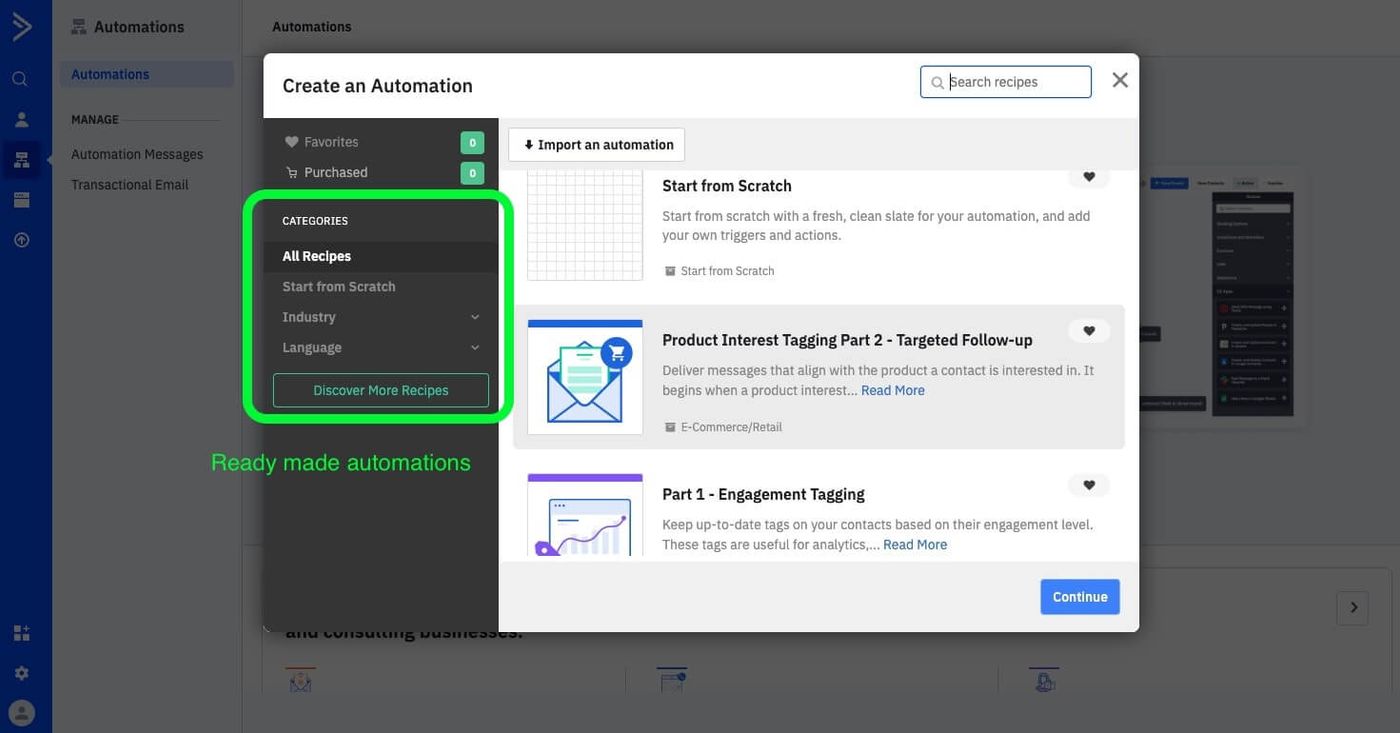
- Best-in-class automation and workflow logic
- Built-in CRM and sales features
- Deep segmentation and conditional content
Where it costs you: overkill for a simple newsletter, a real learning curve, and it gets expensive fast as your list grows.
Pricing: no free plan (14-day trial). Starter from $15/mo billed annually, scaling with contacts (around $149/mo for Starter at 10,000 contacts).
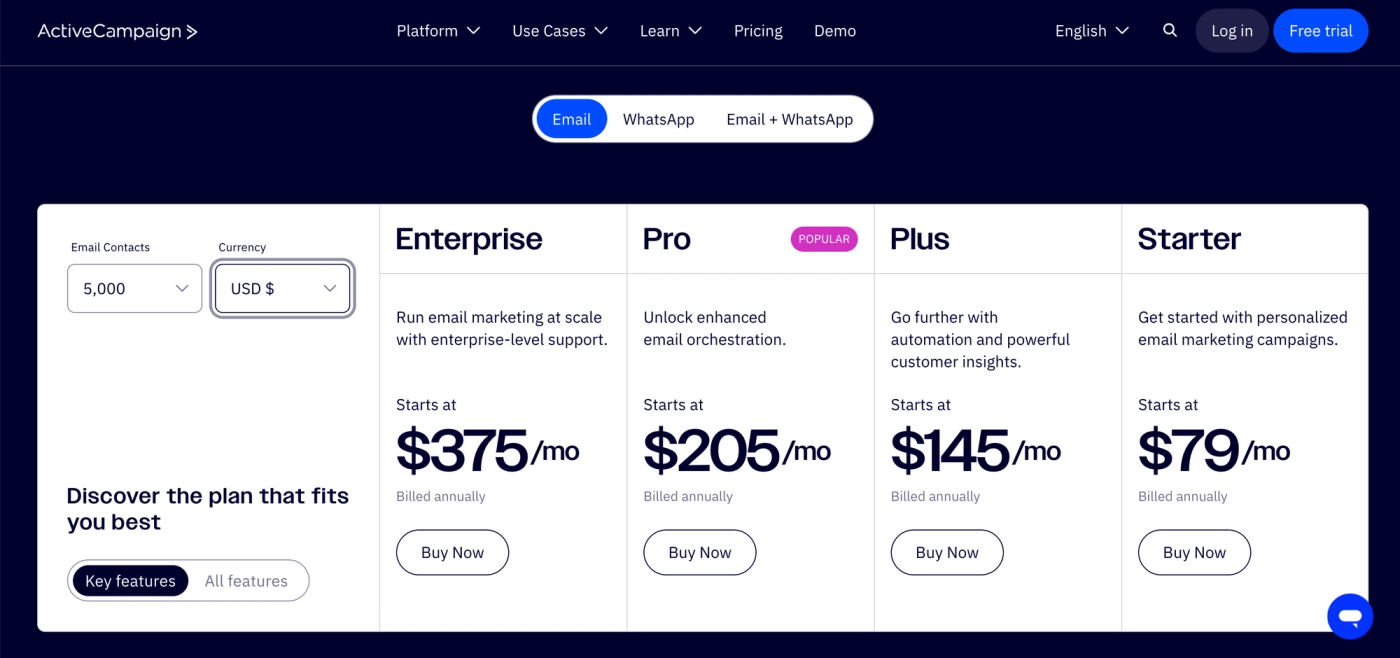
Best for: a business that wants serious automation and CRM with the newsletter as one piece.
6. Klaviyo
Luc's Score: 7.3/10
Lane: e-commerce. Klaviyo is very good, but it's built for online stores, not newsletters. If you sell products, its data and segmentation are best-in-class. If you're running a pure newsletter, you'd be buying a Formula 1 car to do the school run.
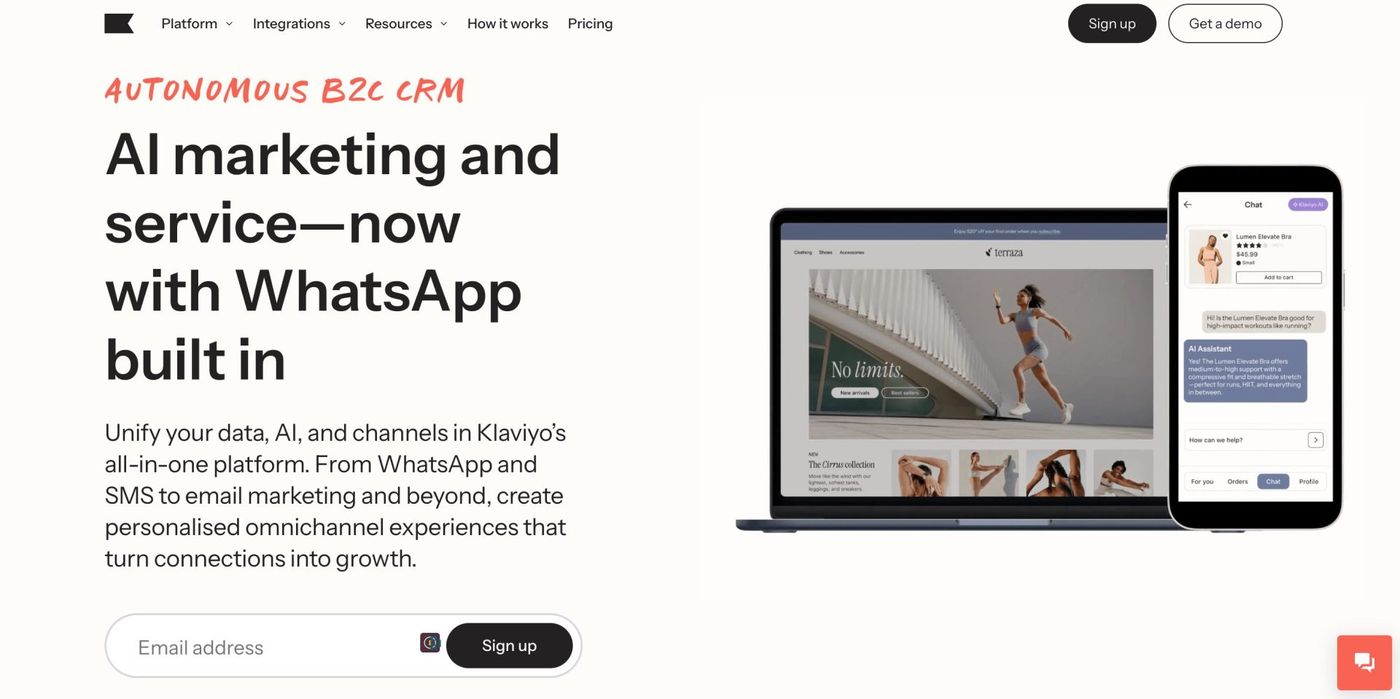
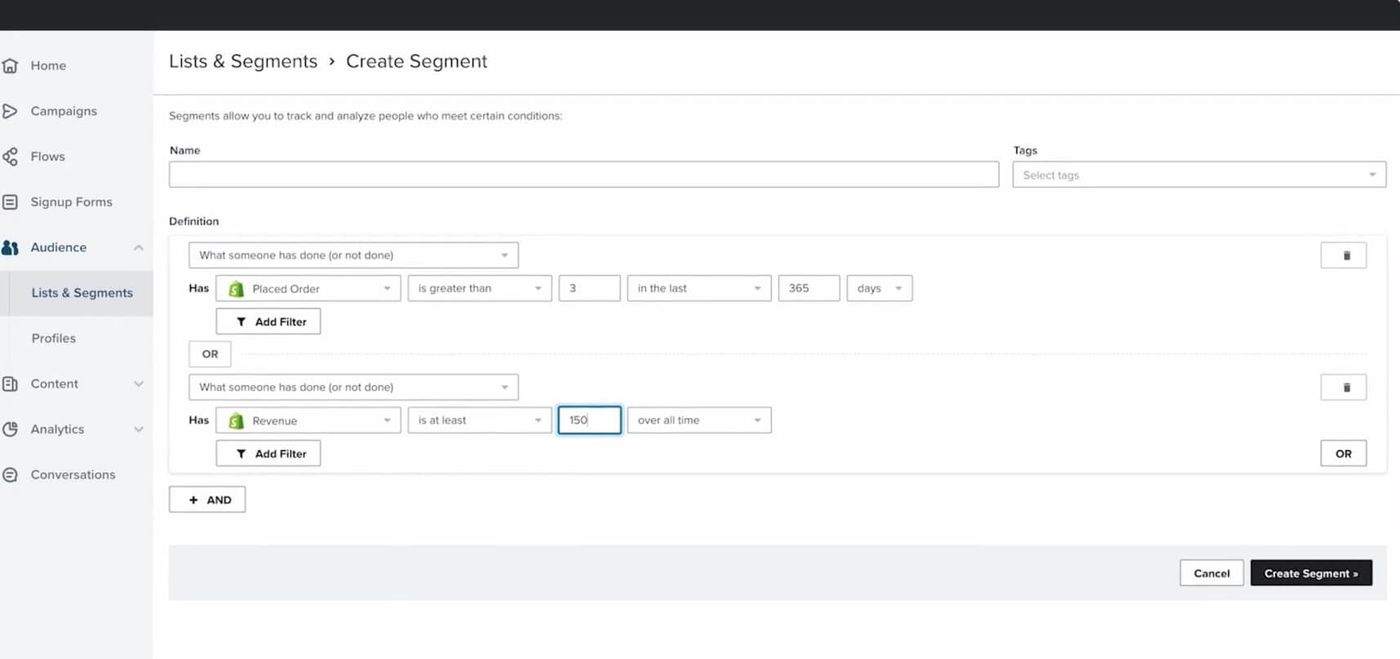
- Deep e-commerce data and segmentation
- Tight Shopify and store integrations
- Email plus SMS in one platform
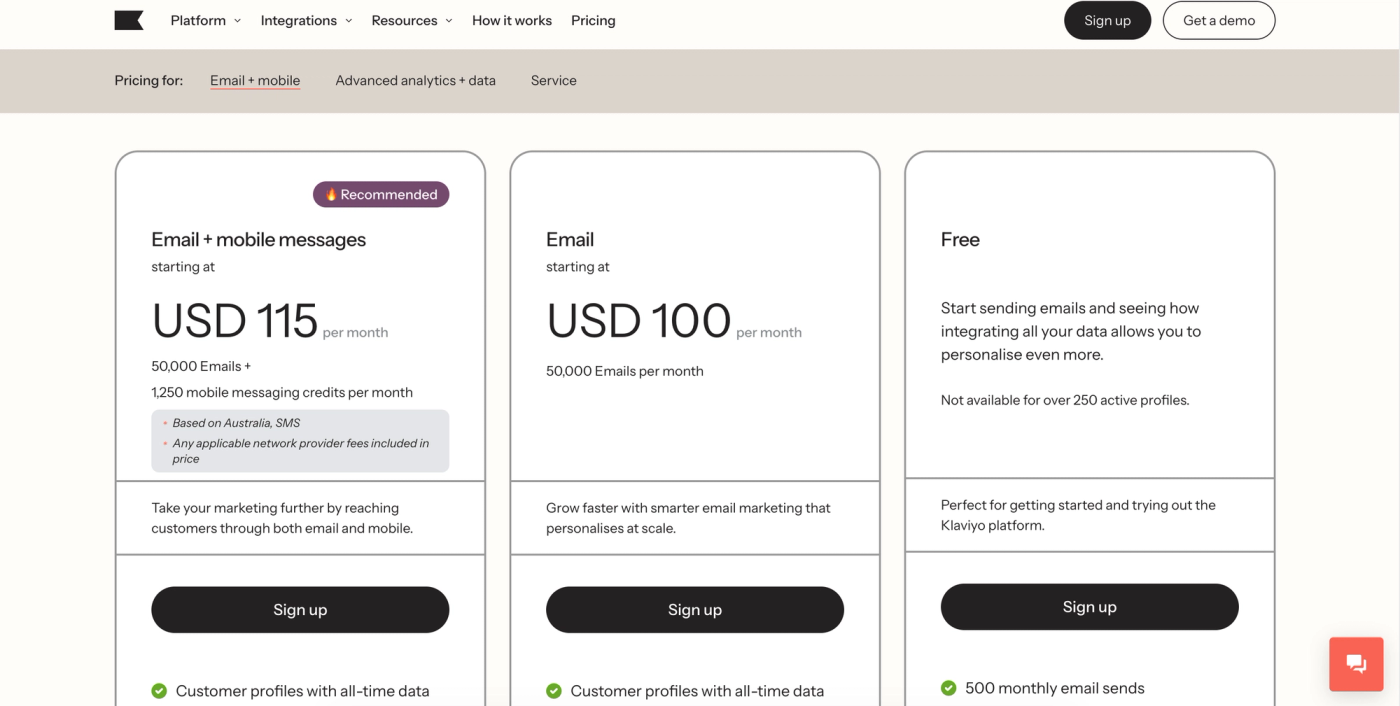
Where it costs you: expensive, e-commerce-focused, and it bills on total profiles in your account. For a straight newsletter it's the wrong tool and the wrong price.
Pricing: free up to 250 contacts. The email plan runs around $100/mo at 5,000 contacts.
Best for: e-commerce brands whose newsletter is part of a store's marketing, not standalone publishers.
7. Omnisend
Luc's Score: 6.8/10
Lane: e-commerce. Average as a newsletter tool, and I mean that as information, not an insult. Omnisend is fine, but it only really makes sense if you're running e-commerce and want a newsletter as part of your store's brand. As a standalone newsletter platform there are better picks above it.
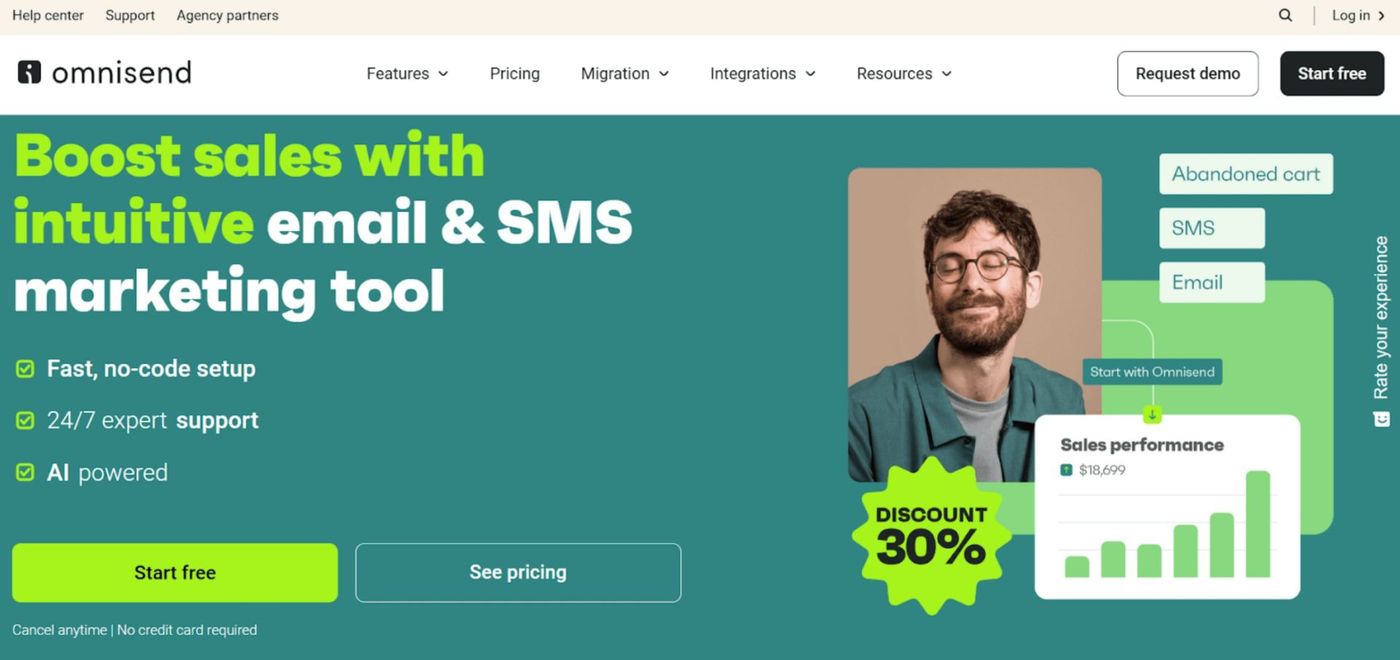
- Email, SMS, and push in one place
- Pre-built e-commerce automations
- Reasonable entry pricing
Where it costs you: built for stores, so a pure publisher pays for features they'll never touch. As of mid-2026, SMS is limited to the Pro plan.
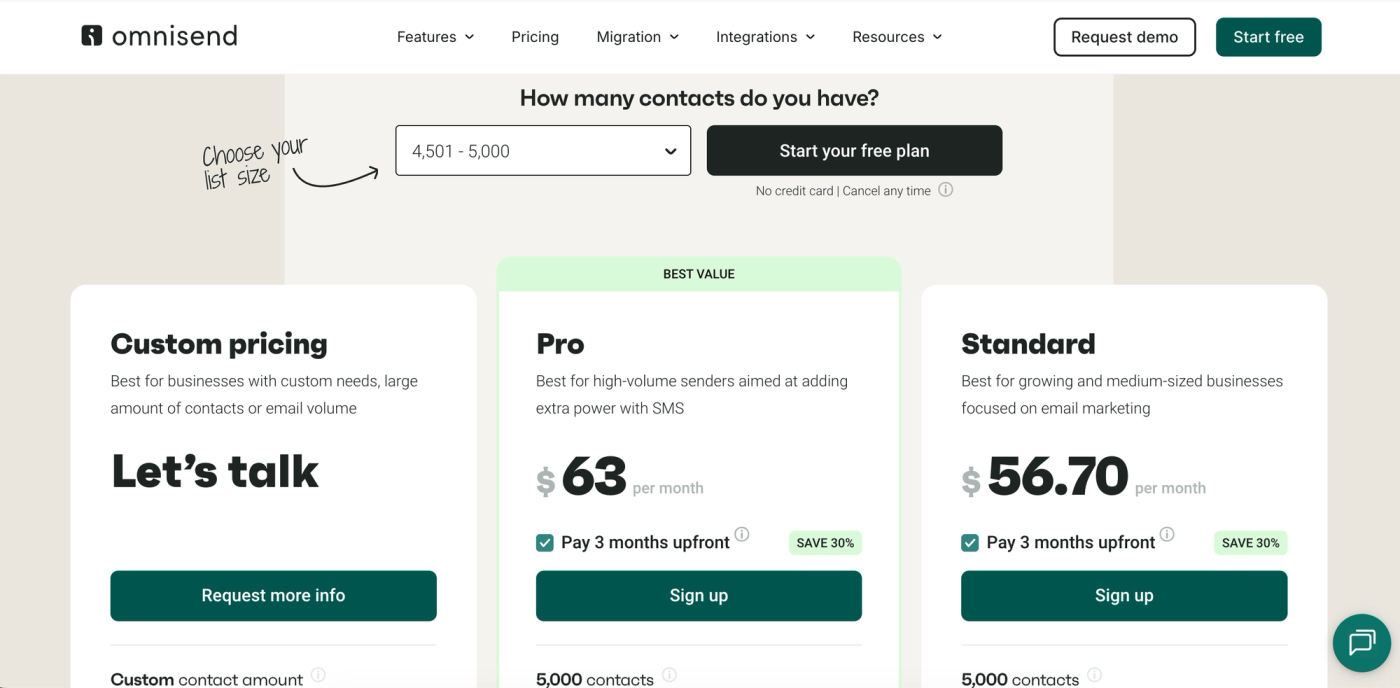
Pricing: free up to 250 contacts. Standard from around $16/mo, roughly $65 to $90/mo at 5,000 contacts. Pro from $59/mo.
Best for: e-commerce brands adding a newsletter to their store.
8. GetResponse
Luc's Score: 6.5/10
Lane: business adding a newsletter. Pretty average. GetResponse does a bit of everything, email, automation, landing pages, webinars, some AI features, and it does none of it in a way that makes it the obvious choice over the tools above.
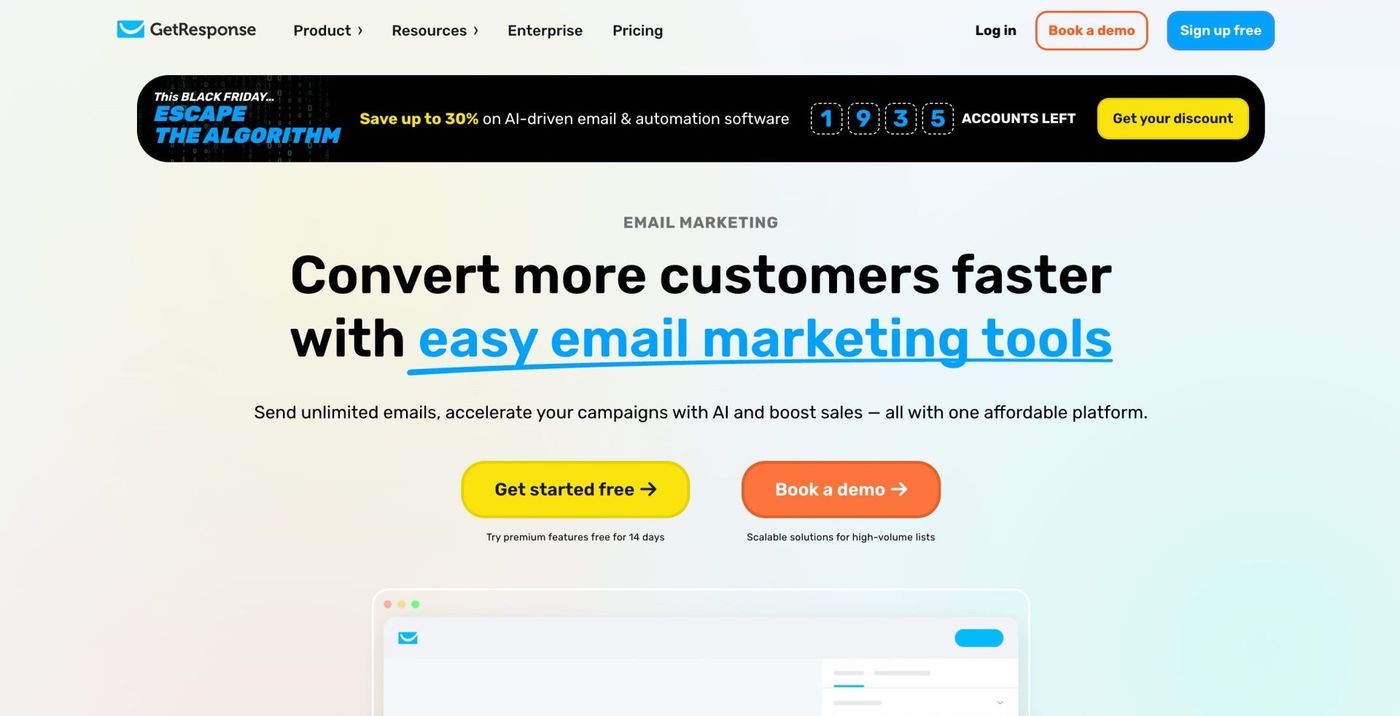
- Broad all-rounder: email, automation, landing pages, webinars
- Some useful AI features
- Free plan to start
Where it costs you: it's a jack-of-all-trades with no standout strength, and the pricing jumps in awkward steps as your list crosses thresholds.
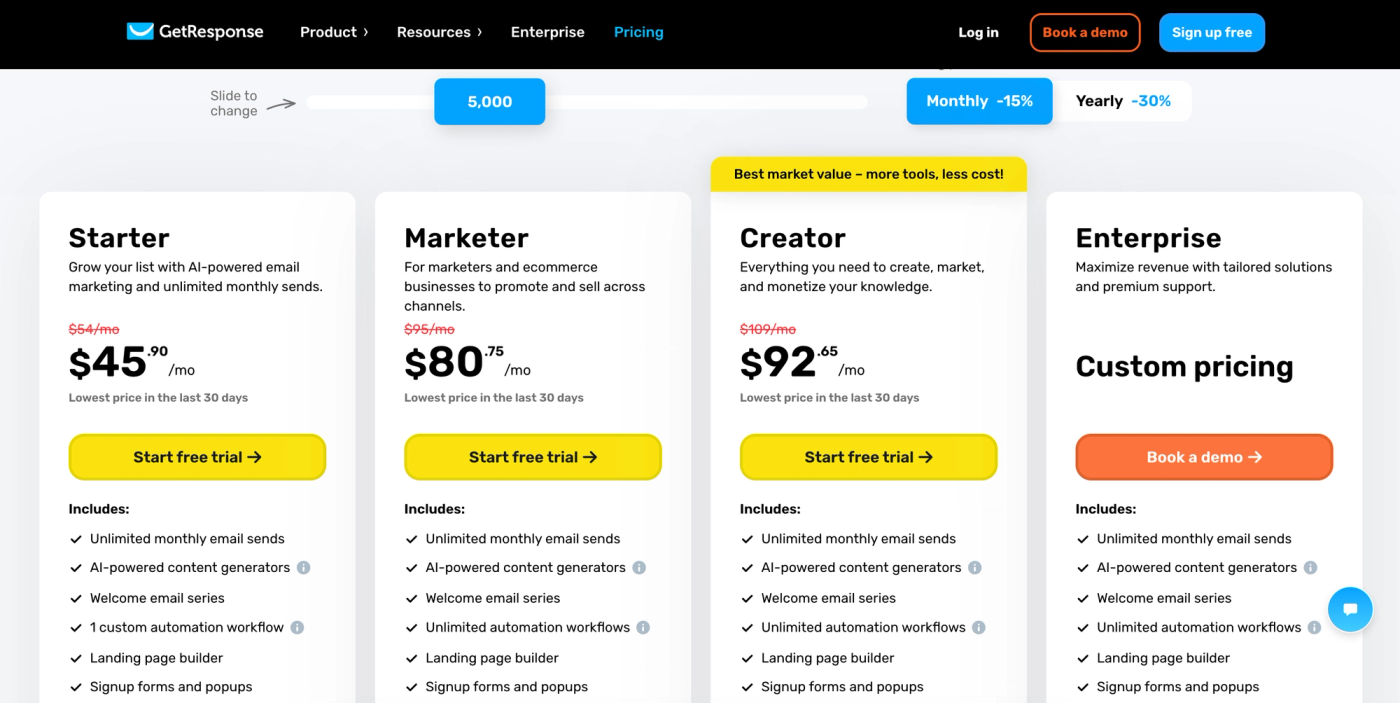
Pricing: free up to 500 contacts. Paid tiers scale with contacts (the tier most people actually need, with automation, lands higher than the headline entry price, so check your count).
Best for: a small business that wants email plus webinars and landing pages in one account and isn't fussed about being best-in-class.
9. AWeber
Luc's Score: 6.3/10
Lane: business adding a newsletter. A stale version of this list had AWeber near the top, and that was wrong, so let me correct it plainly. AWeber is a legacy tool. It's reliable and the support is good, but it hasn't kept pace, and in 2026 it isn't a leader. It's a fine place to run a simple business list, and that's about it.
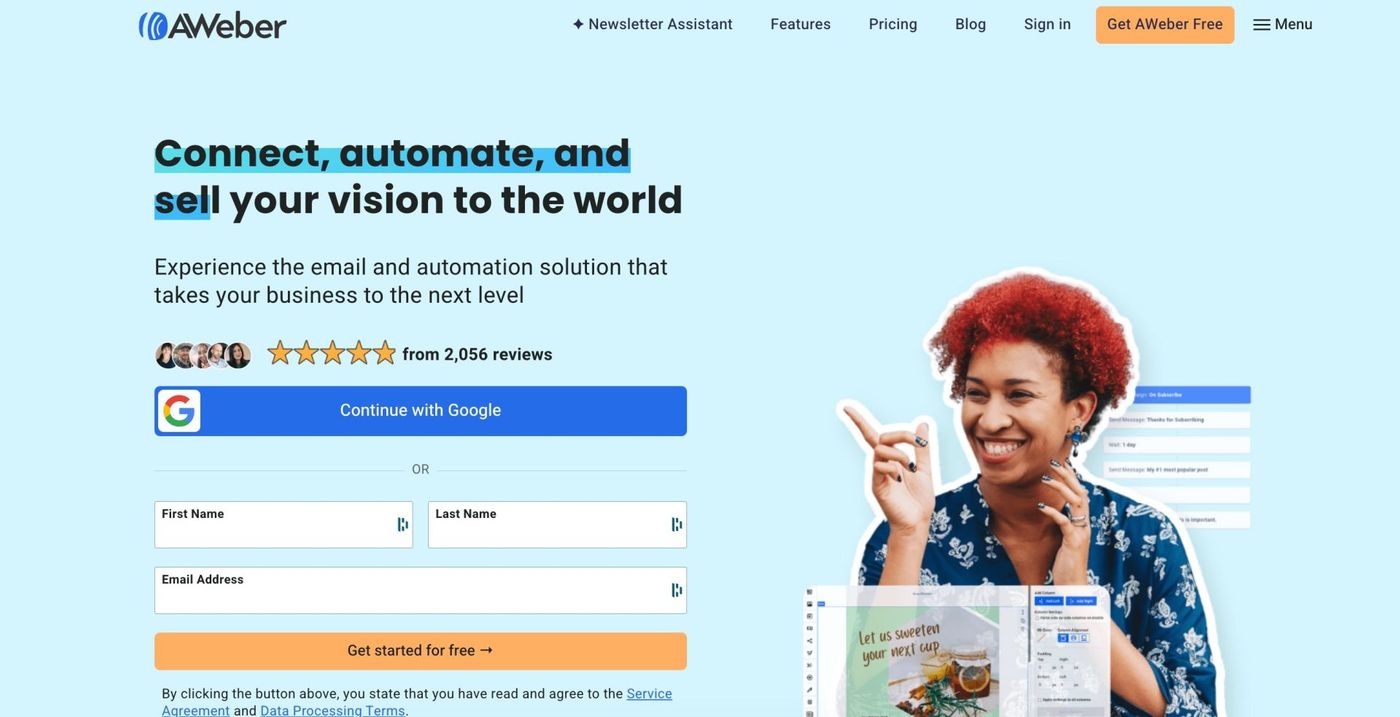
- Reliable sending and good support
- Long track record, stable and predictable
- Decent set of core features
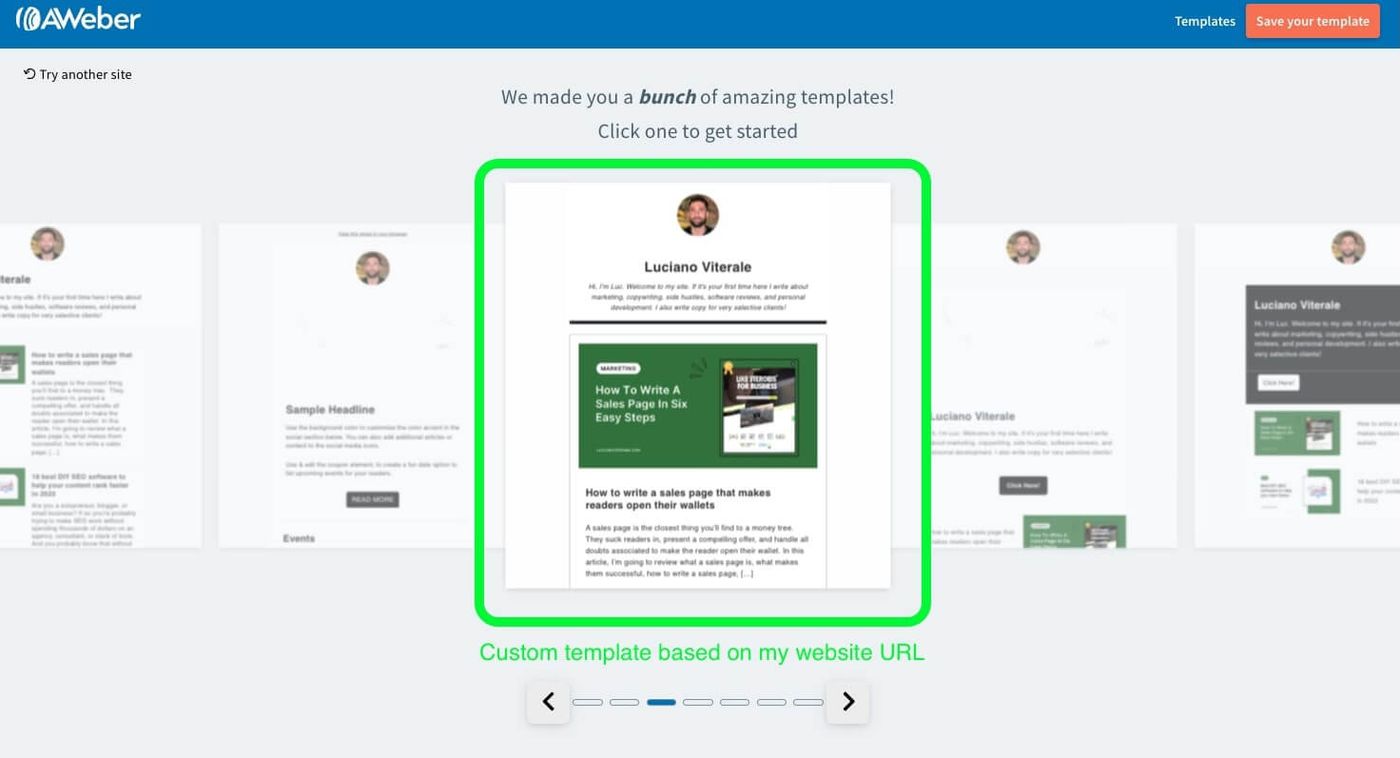
Where it costs you: dated compared with the modern tools, no newsletter-specific growth features, and little sign of real innovation. Almost everything it does, something above it does better.
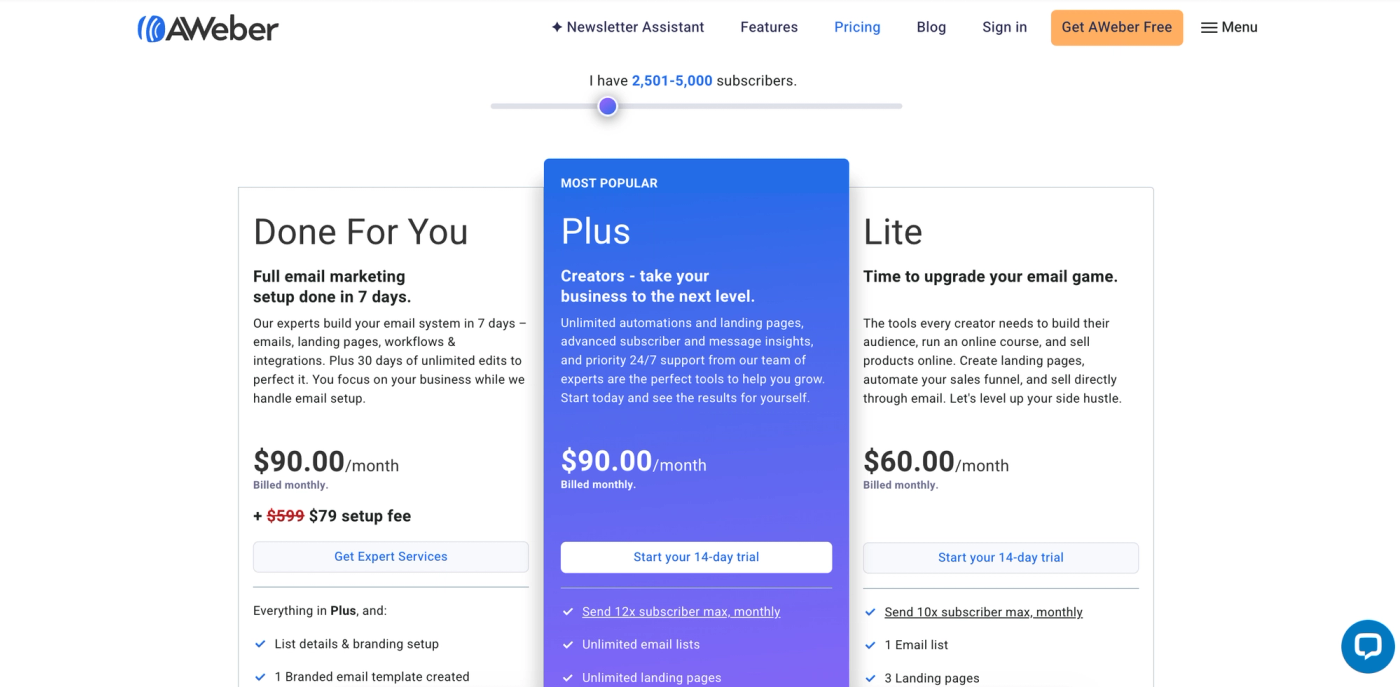
Pricing: free up to 500 subscribers. Lite from $15/mo, scaling with your list.
Best for: someone who wants a simple, dependable list for a small business and values stability over features.
10. Flodesk
Luc's Score: 6.2/10
Lane: business adding a newsletter (creator-lite). Average. Flodesk's calling card was gorgeous templates and one flat price for unlimited subscribers, which made it a genuinely interesting pick. In December 2025 it dropped the unlimited flat plan and moved to subscriber-based pricing, which quietly removed the main reason to choose it.
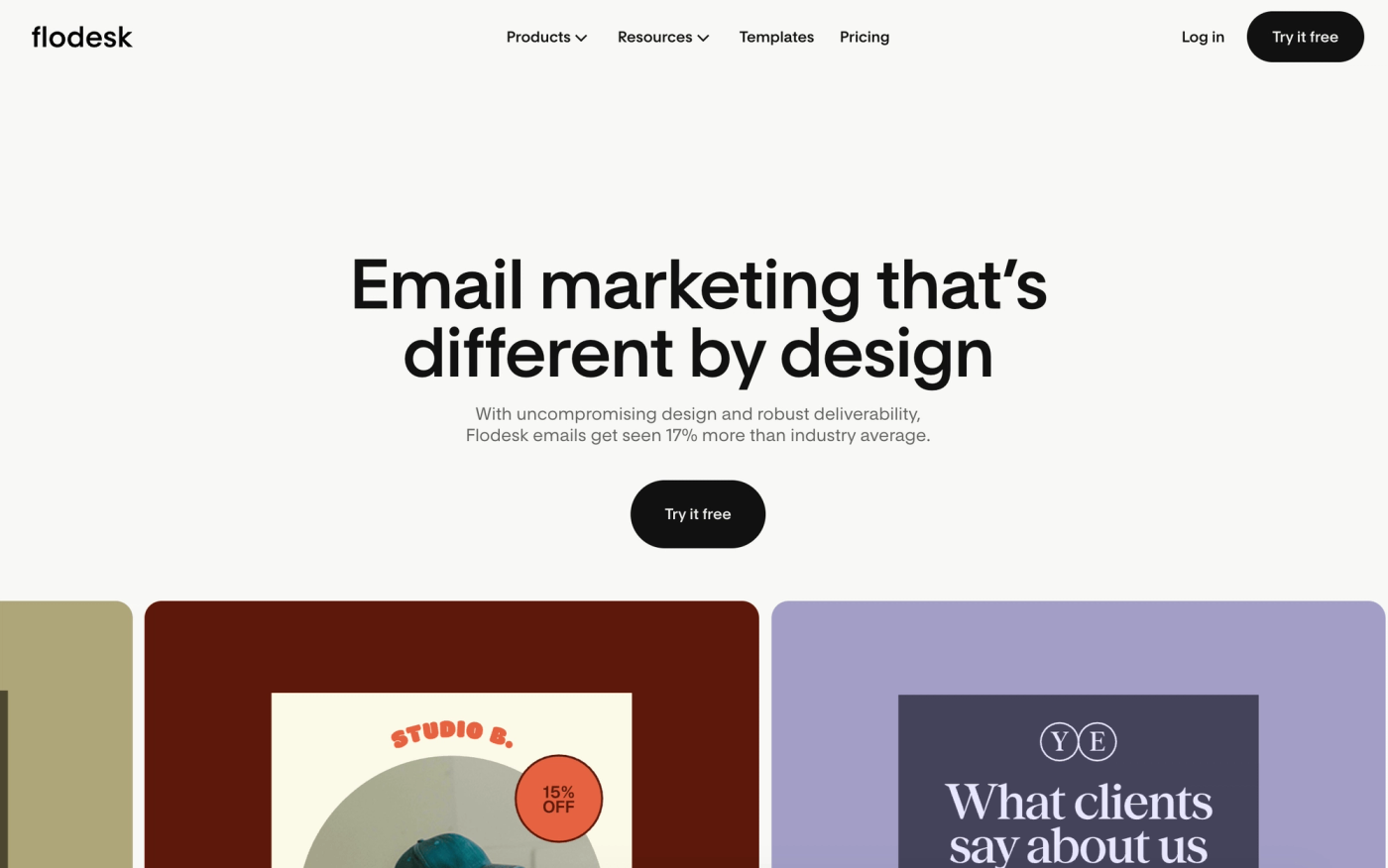
- Beautiful, design-forward email templates
- Very easy to use
- Clean, simple interface
Where it costs you: shallow under the surface. Weaker automation, analytics, and segmentation than the tools above, no referral engine, and now that the flat unlimited plan is gone, the standout reason to pick it went with it.
Pricing: limited free option. Paid from around $19/mo (Lite, annual), now scaling with subscriber count.
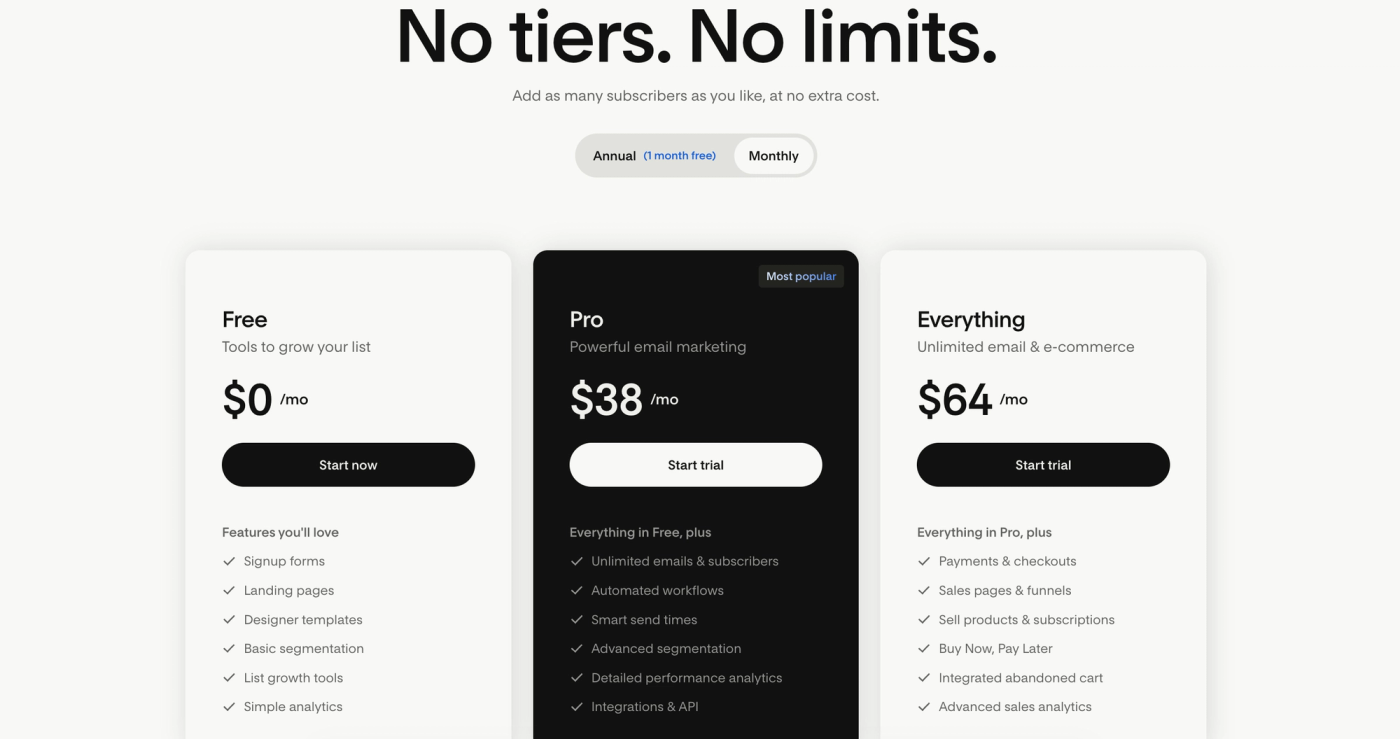
Best for: a design-led creator who wants pretty emails and simplicity over depth.
11. Mailchimp
Luc's Score: 5.5/10
Lane: business adding a newsletter. I've built campaigns in Mailchimp for client work, and I didn't enjoy a single one of them. That's the honest lead. It's the most recognized name in email and the lowest score on this list, and I stand behind that.
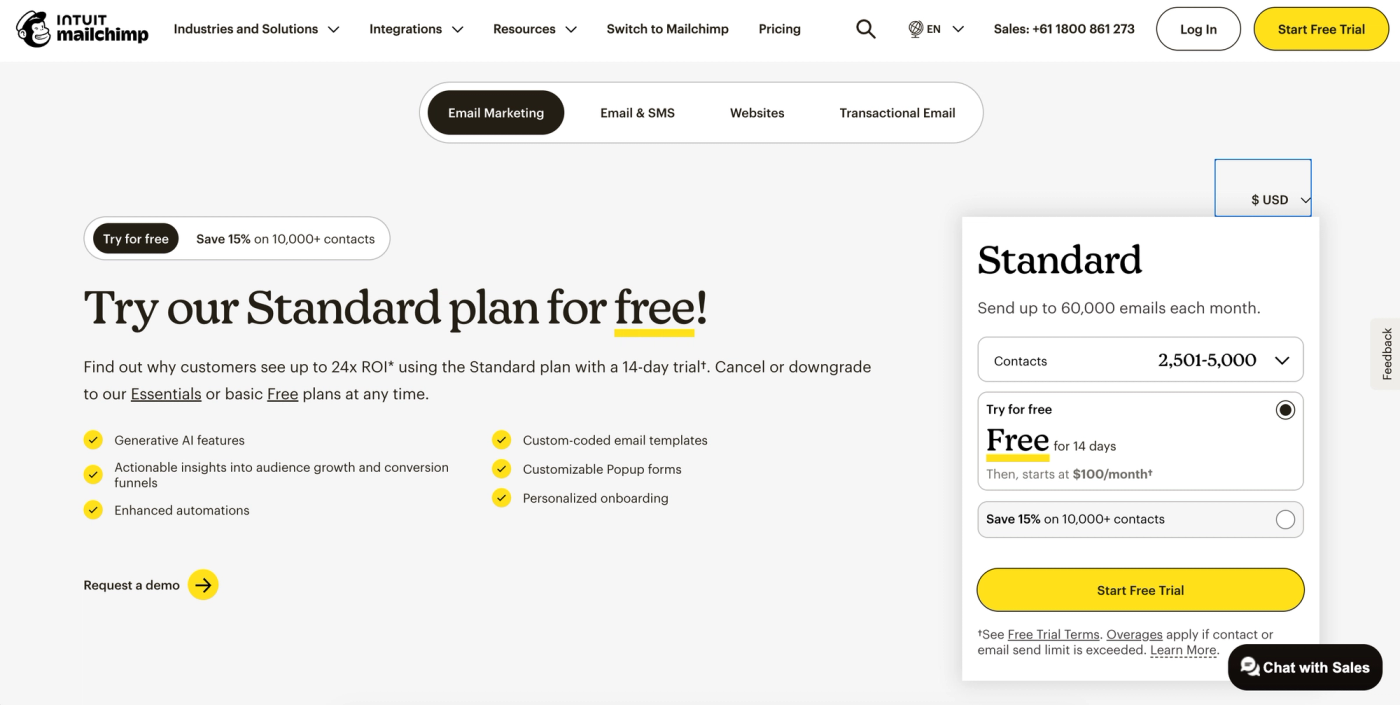
Mailchimp got old and stayed old. The interface feels dated, the deliverability reputation has slipped, and it's expensive for what you actually get. The detail that sums it up: it bills you for unsubscribed contacts unless you manually archive or delete them, which is exactly the kind of thing a tool that respected your time wouldn't do.
- Huge brand recognition and a massive integration ecosystem
- Fine for a basic business list if you're already in it
- Recognizable, well-documented, everywhere
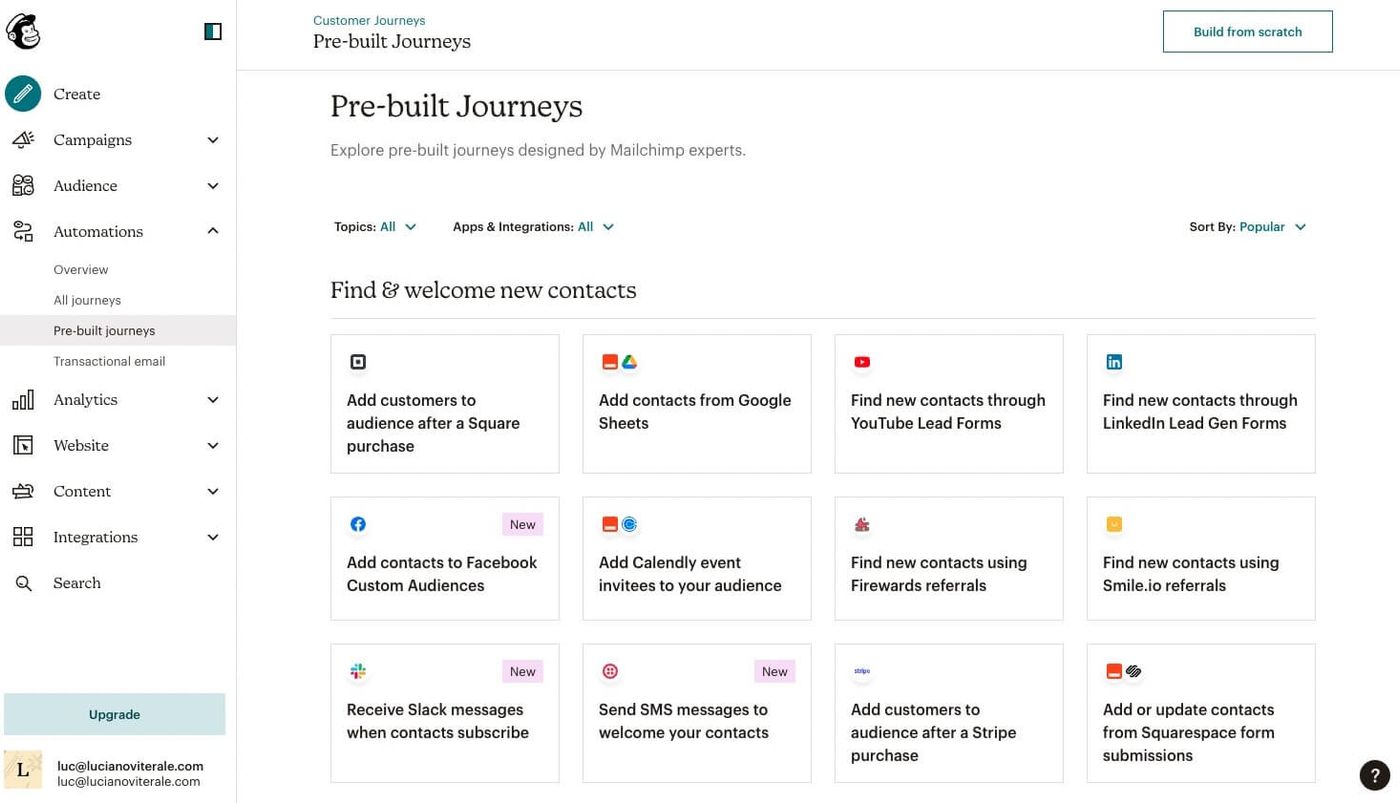
Where it costs you: dated interface, a weaker deliverability reputation, pricing that counts contacts you're not even emailing, and no real newsletter-growth tooling. There's a better option in almost every lane above it.
Pricing: free up to 500 contacts. Essentials from $13/mo, around $75/mo at 5,000 contacts. Standard around $100/mo.
Best for: honestly, someone who's already on it and doesn't want to move. If you're choosing fresh, choose from higher up.
Pricing snapshot
| Platform | Free tier | Starts at | Lane |
|---|---|---|---|
| Beehiiv | Yes (2,500 subs) | $49 / mo | Newsletter-first |
| Kit | Yes (10,000 subs) | $39 / mo | Newsletter-first |
| MailerLite | Yes (500 subs) | $9 / mo | Business email |
| Substack | Yes | 10% of revenue | Newsletter-first |
| ActiveCampaign | No (trial) | $15 / mo | Business email |
| Klaviyo | Yes (250 contacts) | ~$20 / mo | E-commerce |
| Omnisend | Yes (250 contacts) | ~$16 / mo | E-commerce |
| GetResponse | Yes (500 contacts) | scales by list | Business email |
| AWeber | Yes (500 subs) | $15 / mo | Business email |
| Flodesk | Limited | ~$19 / mo | Creator-lite |
| Mailchimp | Yes (500 contacts) | $13 / mo | Business email |
Prices verified July 2026. Every platform scales with list size, so confirm the cost at your own subscriber count before you commit.
How to choose
Match the platform to the job, using the three lanes.
If you're building a newsletter as a business: start in the newsletter-first lane. Beehiiv if you want the best growth toolkit today, Kit if you want a creator-product business around it, Substack if you want zero setup and the built-in network and don't mind the 10% cut.
If you already run a business and you're adding a newsletter: MailerLite is the best value and the easiest to live with. Step up to ActiveCampaign if you need serious automation and a CRM. Skip AWeber and Mailchimp unless you're already on them.
If you run an online store: Klaviyo or Omnisend, because your newsletter is really part of your store's marketing, and these are built and priced for that.
One honest forward note. We're at the start of a wave of AI-era email tools, and I'd expect a new crop of platforms to do a lot of this, growth included, better and cheaper within a couple of years. None of them have earned a spot on this list yet. When one does, it'll go here, and I'll tell you why.
If you're just getting going, here's my guide on starting your first email newsletter, and if you want the writing side, the profitable guide to email copywriting. If you'd rather have someone run it for you, that's what I do: email marketing consulting.
How I tested and chose these
I've spent years building email campaigns, and I ran Ticker Nerd as a real newsletter business, so this is hands-on, not a feature-sheet comparison. Where I have direct experience I've said so plainly, and where I don't, I've said that too.
Honest depth disclosure, tool by tool: I've used MailerLite (certified, since 2020), Kit (Ticker Nerd), and Beehiiv (early on, and again since) first-hand as a publisher. Mailchimp, ActiveCampaign, and Klaviyo I know through client work. Substack I know as a heavy reader and writer. Omnisend, GetResponse, AWeber, and Flodesk I've assessed from testing and current documentation rather than running a business on them, and I've scored them accordingly.
Scores weigh the newsletter job first (growth tooling, analytics, ease of use), then value. That's why a favorite general platform like MailerLite sits behind two newsletter-first tools, and why the most famous name here sits last.
Last updated July 2026: re-ranked to reflect how the category actually looks now, all pricing re-verified, scores revised with reasons stated in each section, and the Beehiiv and Substack write-ups corrected.
FAQ
Is it hard to switch email newsletter platforms?
Less than you'd think for the list and templates, more than you'd think for automations and deliverability reputation. Exporting subscribers is easy. Rebuilding your automations and warming up your sending on the new platform takes a little time. Switching off Substack is the one real exception, because you give up the network you grew on.
Which newsletter platform is best for a creator?
Beehiiv if you want the strongest growth tooling, Kit if you want to build products around the newsletter, or Substack if you want zero setup and the built-in audience network. All three have the referral-style growth that a creator business actually needs.
Which platform is the easiest to use?
MailerLite and Flodesk are the two easiest to pick up. MailerLite is the one I'd actually recommend, because it's just as easy but far deeper.
Which is best for a business, not a creator?
MailerLite for value and ease, or ActiveCampaign if you need heavy automation and a CRM. Both let a newsletter live alongside your wider email marketing.
Related reading
- How to start a successful email newsletter
- MailerLite review
- Beehiiv review
- Beehiiv vs MailerLite
- The profitable guide to email copywriting
- The best copywriting newsletters
- The best SEO newsletters
Sources
Platform pricing (all figures verified July 2026): each vendor's current pricing page: mailerlite.com, kit.com, beehiiv.com, substack.com, activecampaign.com, klaviyo.com, omnisend.com, getresponse.com, aweber.com, flodesk.com, mailchimp.com.
Substack fee (10% of subscription revenue, plus payment processing): Substack pricing documentation, 2026. https://substack.com
Flodesk retired its unlimited flat plan (December 2025), moving to subscriber-based pricing: Flodesk pricing page, 2026. https://flodesk.com
Mailchimp remains the most widely used email platform by market share: Datanyze email marketing market share, 2026. https://www.datanyze.com/market-share/email-marketing--13
Keep reading